What Are the Most Popular Apps for Making Pop Art Style Photos?
The Most Popular Apps for making pop art style photos…
Looking for the best apps for pop art photos? Pop art, popularized by artists like Andy Warhol and Roy Lichtenstein, is all about bold colors, high contrast, and comic-inspired graphics (learn more). Today, you don’t need a studio or advanced software—apps like PicsArt, Canva, and Prisma make it easy to transform ordinary photos into vibrant pop art portraits.
Pop art has remained one of the most recognizable and influential art movements in modern culture. From the bold colors of Andy Warhol to the comic-inspired graphics of Roy Lichtenstein, the style continues to inspire artists, designers, and everyday creators.
Today, you don’t need a studio or specialized software to create vibrant pop art portraits. With the right mobile apps, anyone can transform ordinary photos into bold, colorful artwork reminiscent of classic pop art.
What Defines a Pop Art Style Photo for App Editing
Before exploring the apps, it helps to understand the visual elements that define pop art imagery.
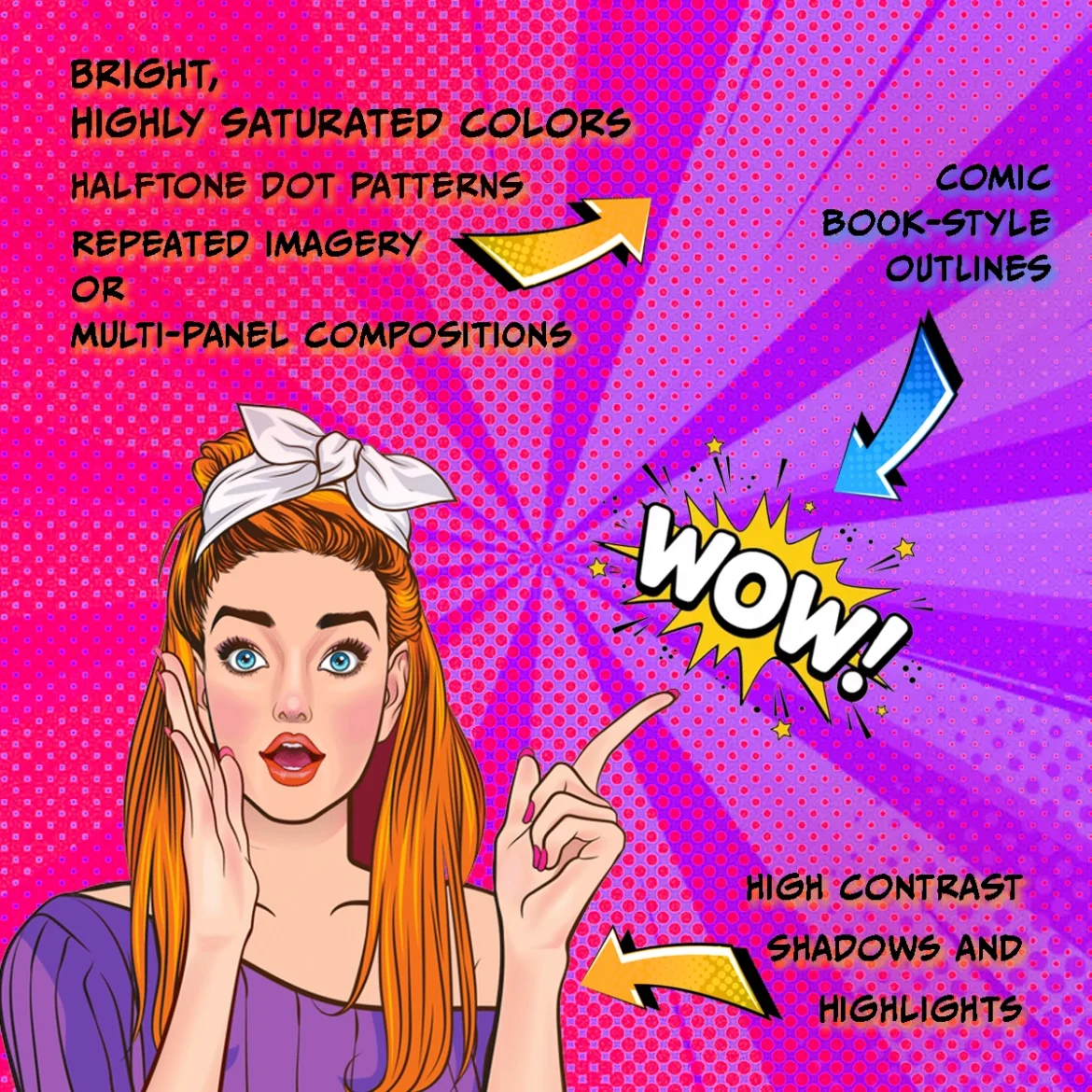
Typical pop art style photos include:
Bright, highly saturated colors
High contrast shadows and highlights
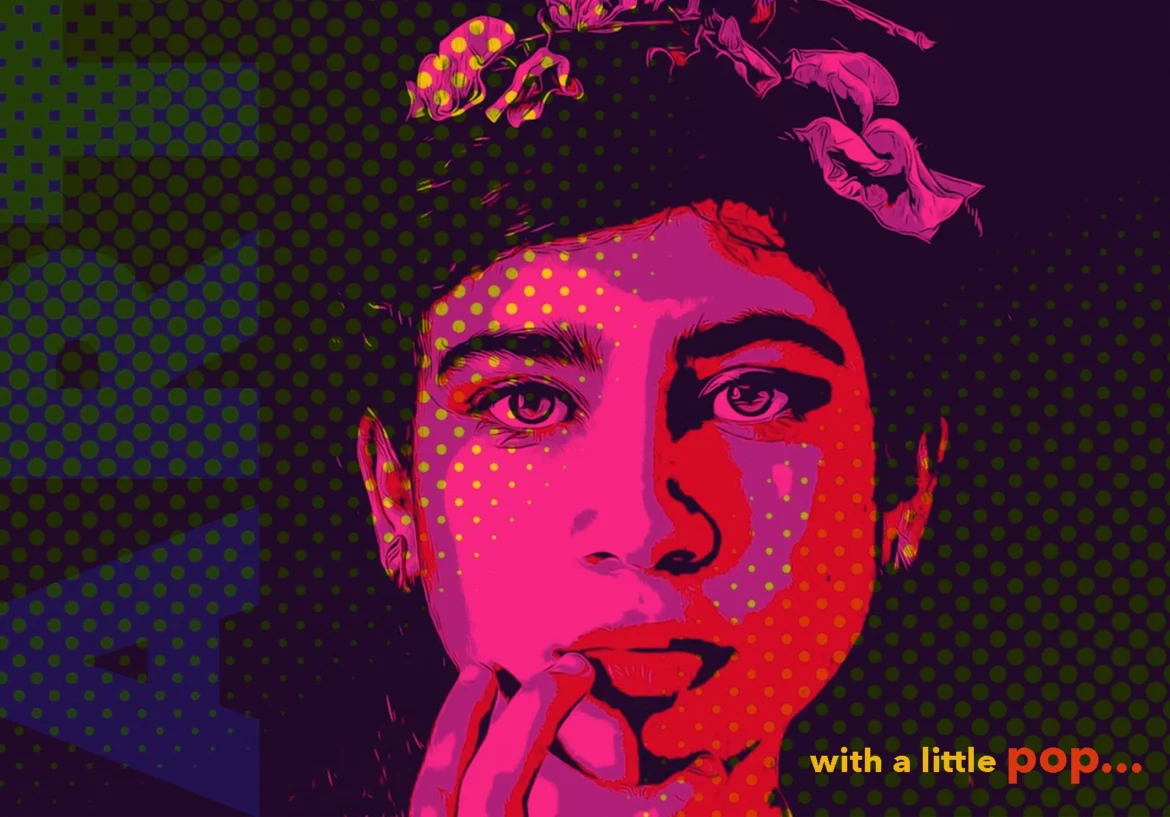
Halftone dot patterns
Comic book-style outlines
Repeated imagery or multi-panel compositions
These techniques were widely used in works like Marilyn Diptych, which turned celebrity imagery into bold graphic statements.
Modern apps recreate these effects automatically using filters, AI, and digital illustration tools.
Top Apps for Pop Art Photos You Must Try…
1. PicsArt
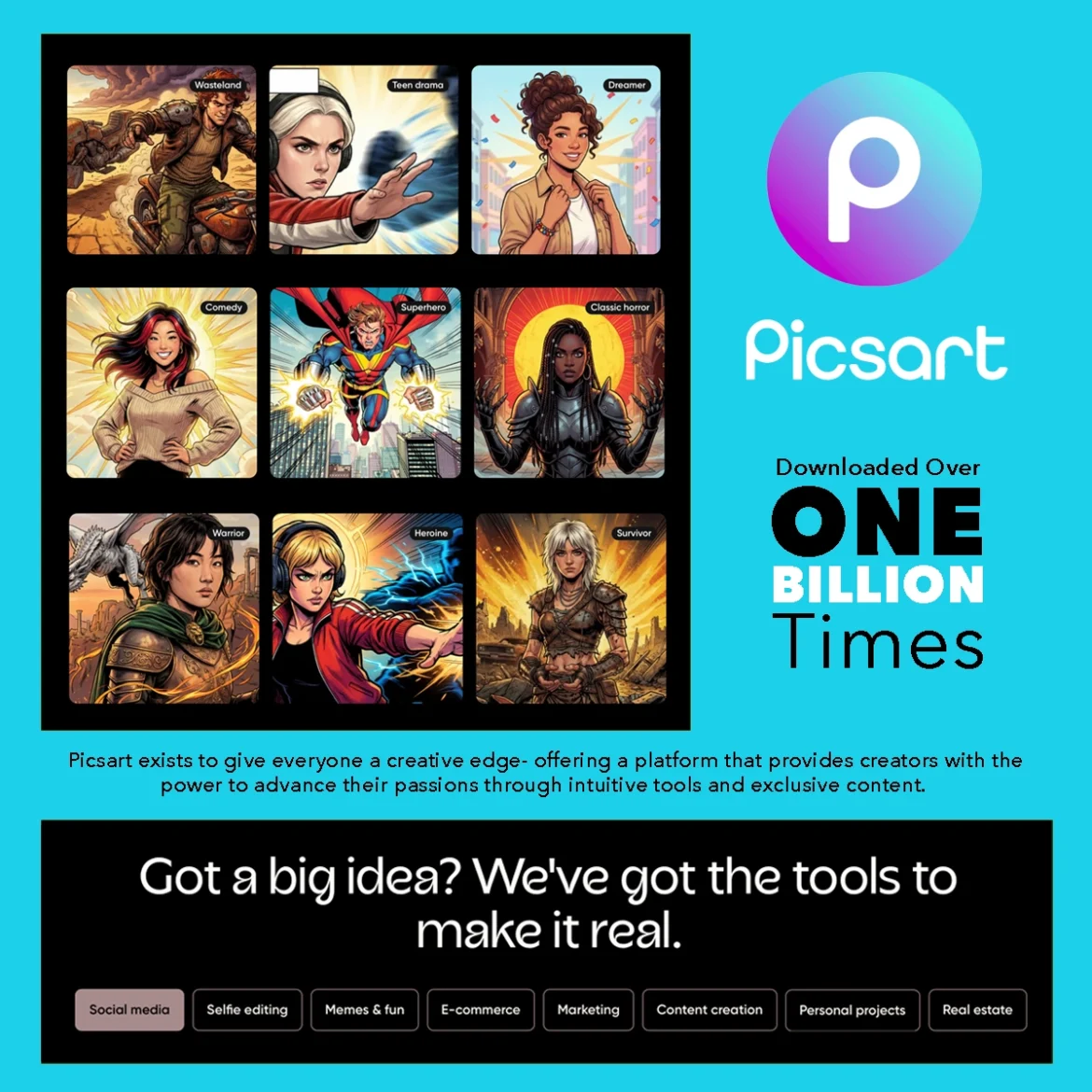
PicsArt is one of the most popular creative editing apps available for both beginners and digital artists.
Key Features
Pop art filters and color effects
Sticker and collage tools
AI image generation
Advanced layering tools
Users can apply vibrant color palettes and graphic outlines that closely mimic classic pop art posters.
Best for: Beginners who want fast pop art effects
2. Prisma – AI Filters for Pop Art Photos
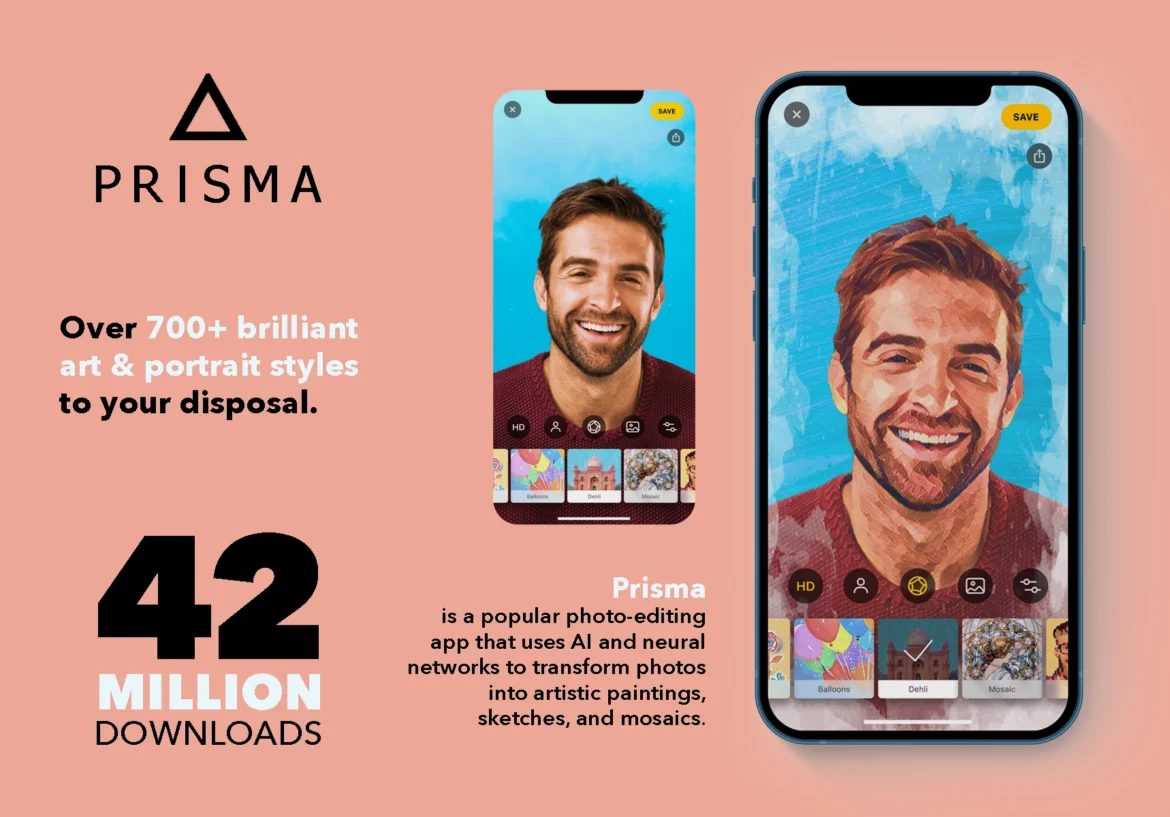
Prisma gained popularity for transforming photos into artwork inspired by famous artistic styles.
Key Features
Artistic AI filters
Stylized portrait transformations
High-contrast graphic effects
Quick one-tap conversions
While not exclusively focused on pop art, several filters produce results reminiscent of bold graphic art styles.
Best for: Quick artistic transformations.
3. Canva
Canva has become one of the most widely used design platforms for creators, marketers, and artists.
Key Features
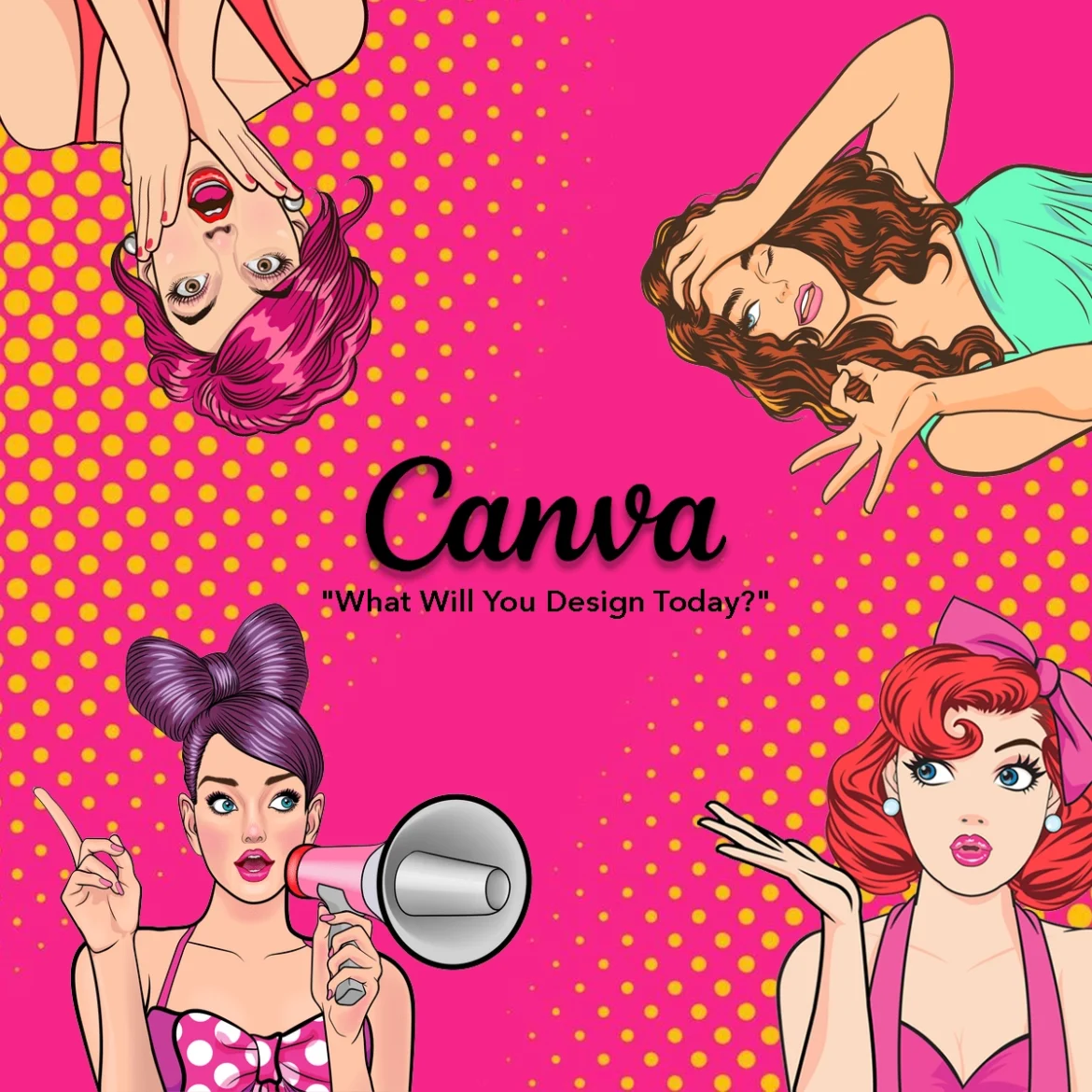
Pop art portrait templates
Color adjustment tools
Background remover
Graphic overlays
Users can combine photos with graphic elements to create multi-panel pop art compositions inspired by Warhol-style prints.
Best for: Creating pop art graphics for social media or prints.
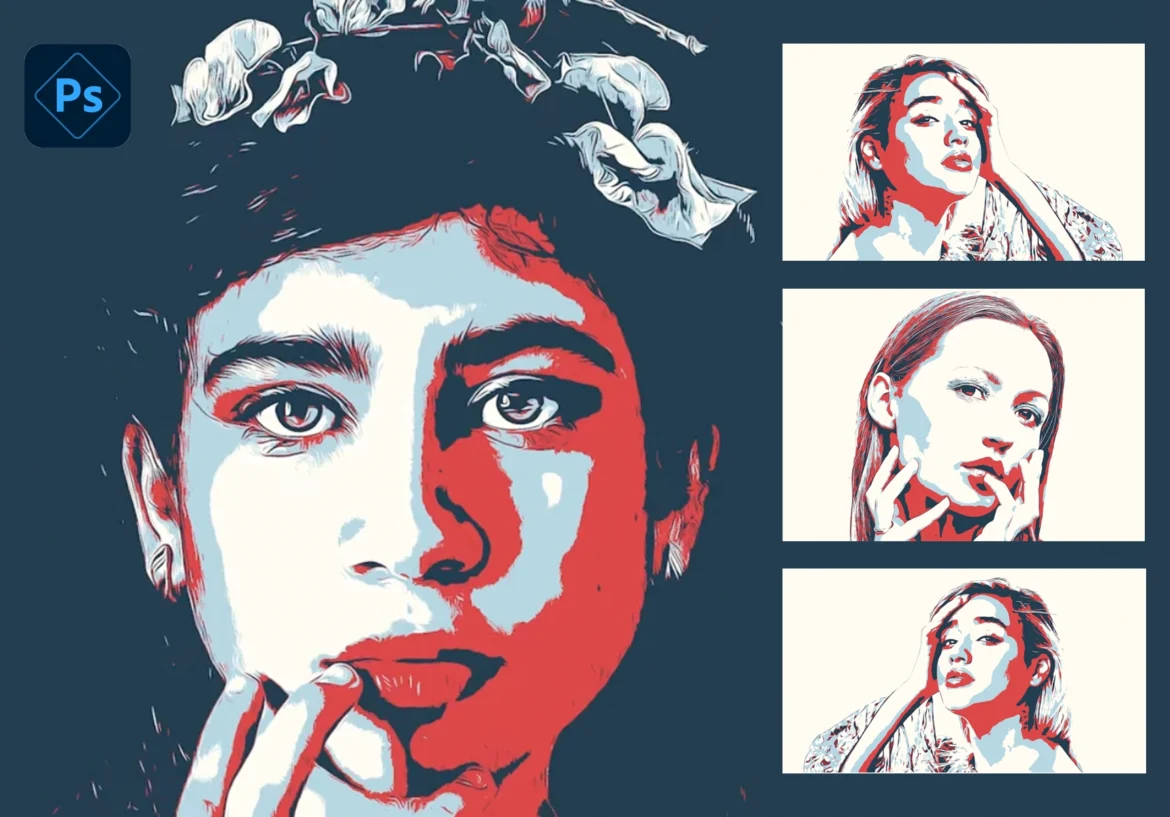
4. Adobe Photoshop Express
A simplified version of professional editing software from Adobe, Photoshop Express allows powerful editing directly on mobile devices.
Key Features
Advanced color grading
Posterization effects
Layered editing tools
High-quality export for prints
With some adjustments to saturation, contrast, and posterization, users can create striking pop art portraits.
Best for: More advanced editing control.
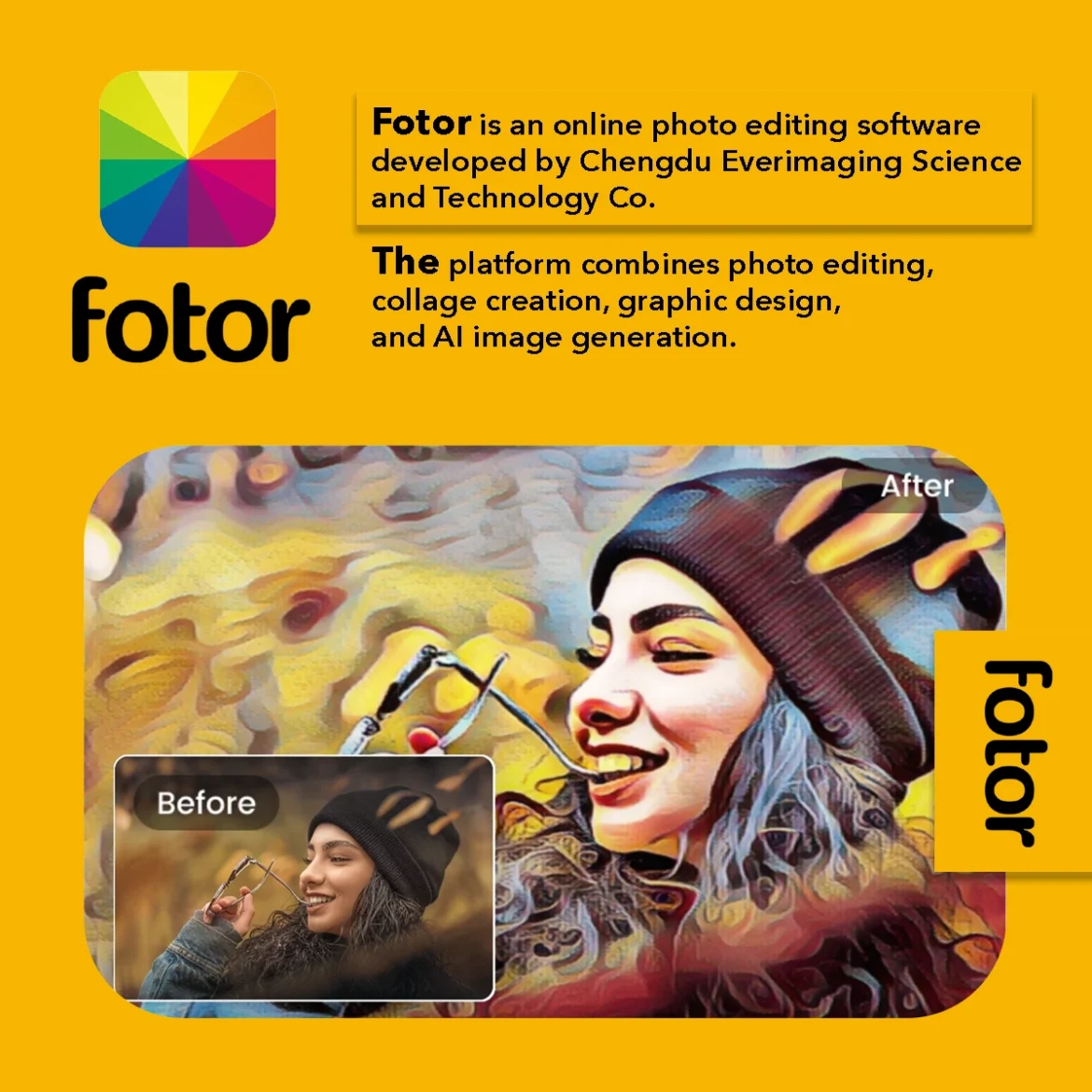
5. Fotor
Fotor includes a wide range of artistic filters including cartoon and graphic effects that can replicate pop art aesthetics.
Key Features
Pop art filters
AI portrait editing
Batch editing tools
Graphic overlays
It’s particularly useful for quickly transforming multiple photos into stylized artwork.
Best for: Fast batch transformations.
Tips for Creating Better Pop Art Photos
Even with powerful apps, a few design principles can make your pop art photos stand out.
Use High-Contrast Images
Photos with strong lighting and clear facial features work best when converted into graphic styles.
Experiment With Color Palettes
Pop art often uses unexpected color combinations like:
Pink and turquoise
Yellow and purple
Red and cyan
These palettes help create the bold, energetic feel associated with the movement.
Add Halftone Effects
Halftone dots mimic the comic printing techniques used in classic pop art illustrations.
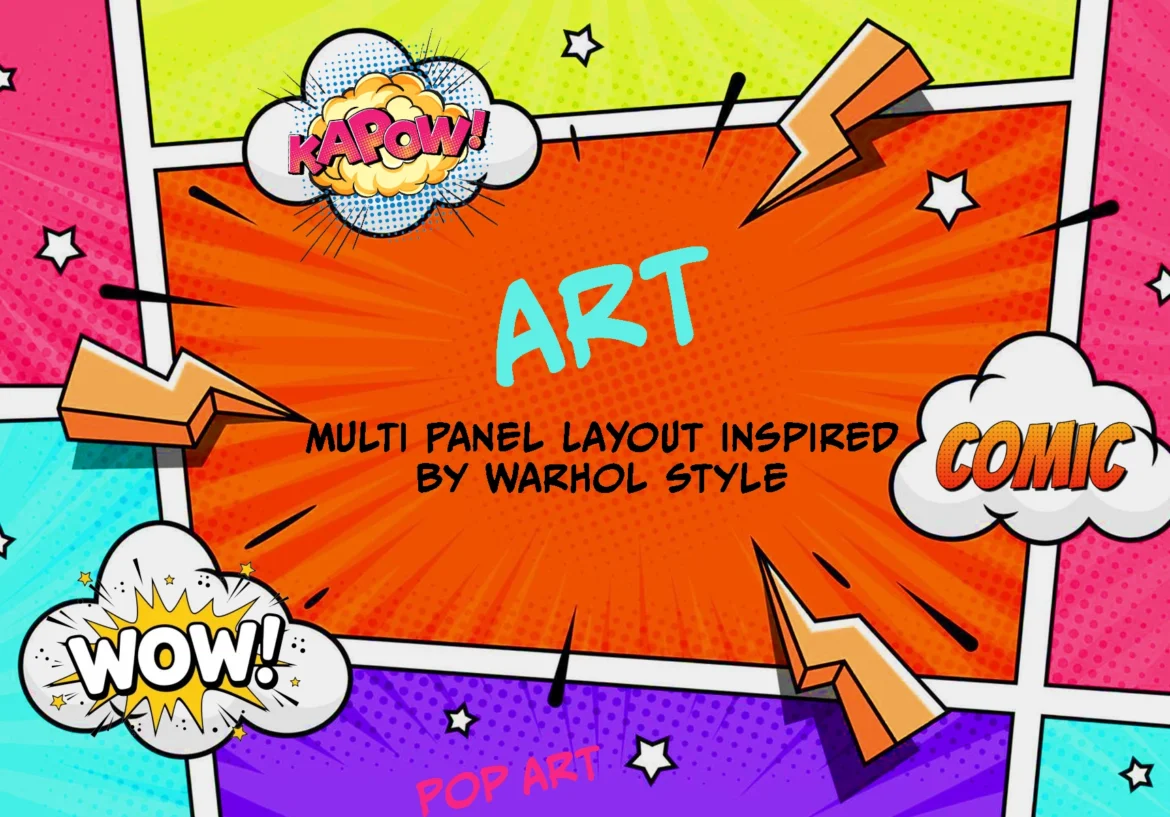
Try Multi-Panel Layouts
Repeating the same portrait with different colors is one of the most recognizable pop art techniques.
Why Pop Art Style Photos Are So Popular Today
Pop art imagery has experienced a resurgence thanks to social media, digital art tools, and personalized artwork.
Platforms like Instagram and TikTok have made bold visual styles more appealing than ever, and pop art’s vibrant colors stand out in crowded feeds.
Many creators now transform selfies, pet photos, and family portraits into pop art prints for home decor or gifts.
Final Thoughts
Creating pop art style photos has never been easier thanks to apps like PicsArt, Canva, and Prisma. These tools let anyone experiment with bold colors, halftone effects, and multi-panel layouts to capture the energetic spirit of pop art.
For a deeper dive into the techniques and history of pop art, check out Tate’s Pop Art Guide, and to explore even more apps, tutorials, and inspiration, visit PicsArt and Canva.
Whether you’re creating social media posts, prints, or digital art, these apps are your gateway to mastering the pop art style.
If you love pop art and want to explore unique modern interpretations, visit chaoswithcolors.com to discover creative pop art inspired designs and artwork.